
Quick answer
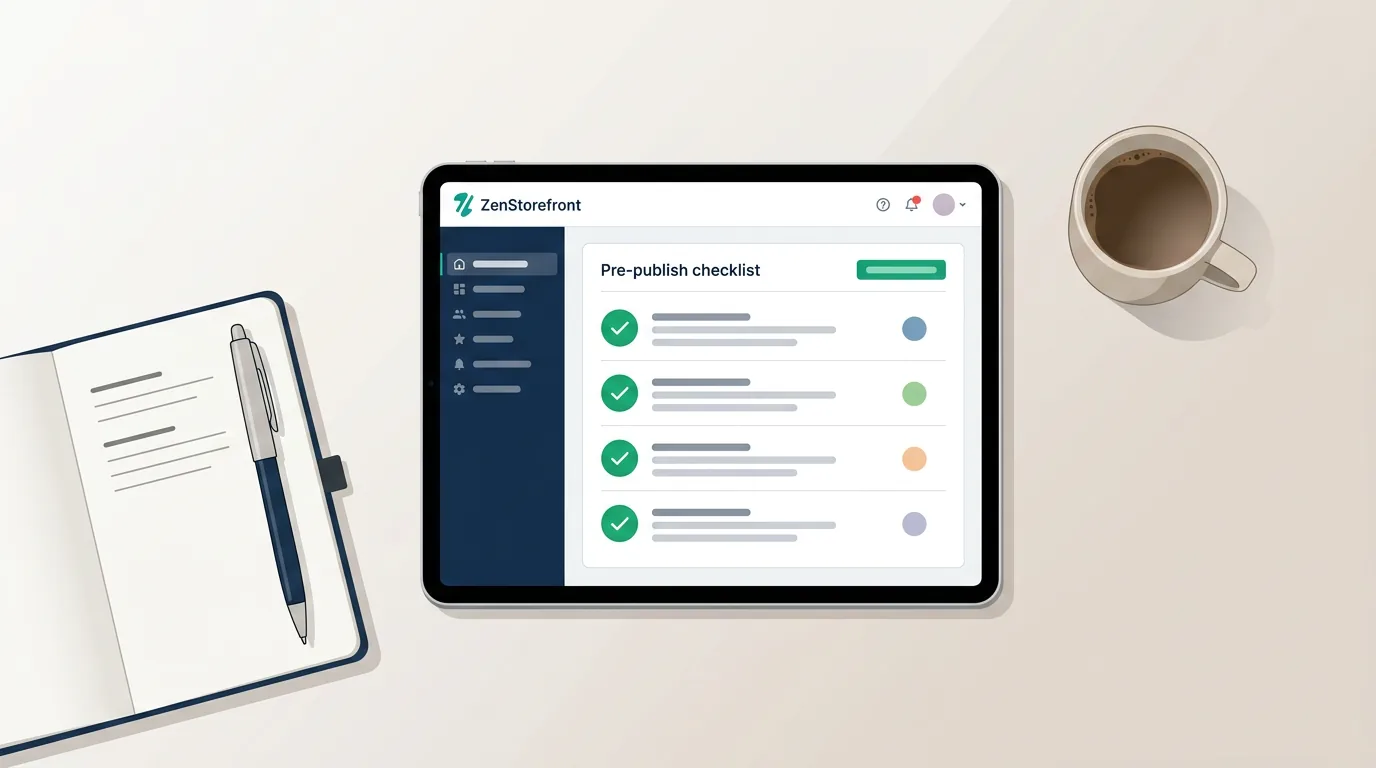
- An Etsy listing IP audit checklist is a pre-publish review process designed to identify and remove trademark and copyright risks from a product draft.
- To perform an audit, sellers should verify that titles and tags do not contain registered wordmarks using the USPTO database.
- Sellers must ensure listing descriptions do not include 'inspired by' disclaimers, which bots use as keyword triggers.
- The audit should also include inspecting all product images and lifestyle mockups for protected trade dress or accidental background logos.
- Completing this checklist before publishing prevents automated bot sweeps from triggering instant listing takedowns and shop penalties.
Why Pre-Publish Audits Are Crucial for Etsy Sellers
Publishing a listing immediately exposes it to automated IP scanning bots.
When you click publish on a new Etsy listing, it doesn't just go to your storefront. It is immediately indexed by Etsy's search algorithm and scanned by automated intellectual property bots. These bots are programmed by major brands and enforcement agencies to sweep the platform for unauthorized use of their trademarks and copyrights.
If a restricted term or protected image is detected, the listing can be deactivated within minutes. Repeated automated takedowns can quickly escalate to payment reserves or permanent shop suspension. A reactive approach—waiting to see if a listing gets flagged—is a dangerous strategy for your business.
Implementing a pre-publish Etsy listing IP audit checklist shifts your strategy from reactive to proactive. By systematically reviewing your text and visuals before the listing goes live, you eliminate the hidden landmines that trigger bot sweeps, ensuring your shop remains in good standing.
Automate Your Pre-Publish Audit
Don't guess if your tags are safe. ZenStorefront scans your draft listings for hidden trademark and copyright risks before you hit publish.
Title & Tag Scrub: Finding Keyword Landmines
Titles and tags are the primary targets for trademark bot sweeps.
Titles and tags are the most common triggers for trademark strikes. Sellers often use popular brand names to capture search traffic, incorrectly assuming that everyday terms like 'onesie' or 'velcro' are generic descriptors. In reality, these are actively enforced registered wordmarks.
Before publishing, run your primary keywords through the USPTO Trademark Search database. Look out for trademarked aesthetics, popular phrases, and competitor shop names. Even if a phrase seems common, it may be registered for specific product categories like apparel, drinkware, or digital downloads.
Avoid the temptation to use keyword stuffing with protected properties. Tagging a generic wizard wand with 'Harry Potter' or a cute cat sticker with 'Sanrio' is a direct violation of trademark law. Always use accurate, descriptive keywords that reflect what the item actually is, rather than what it resembles.
Common Title & Tag IP Mistakes
Avoid these frequent keyword errors that trigger immediate bot takedowns.
Using 'Brand X Inspired' is still trademark infringement and triggers bots.
Using another shop's trademarked name in your tags to steal traffic.
Using protected brands like 'Chapstick' or 'Popsicle' as generic descriptors.
Image & Mockup Inspection: Visual IP Risks
Visual AI scanning detects protected shapes and background logos in photos.
Text isn't the only thing bots are scanning. Advanced image recognition software is increasingly used to detect visual IP violations in product photos and mockups. A pre-publish audit must include a close inspection of every image variation you plan to upload.
Pay special attention to lifestyle mockups. Ensure there are no trademarked logos visible in the background, such as an Apple logo on a laptop, a Nike swoosh on a shoe, or a Starbucks siren on a coffee cup. These accidental inclusions can trigger a strike just as easily as a direct counterfeit.
Additionally, evaluate the product itself for trade dress infringement. Trade dress protects the distinct visual appearance of a product, such as the shape of a Jeep grille or the specific color combination of a sports team. If your design relies on recognizing another brand's signature look, it poses a severe risk.
Visual IP Mockup Checklist
Verify your images are clean before uploading them to Etsy.
Check laptops, phones, and clothing in lifestyle mockups.
Ensure your item doesn't copy a brand's registered trade dress.
Remove any fan art or recognizable media figures.
Ensure you have the commercial rights to all mockup templates used.
Implementing a Repeatable Compliance Workflow
Turn your checklist into a standard operating procedure for every listing.
An audit is only effective if you do it every single time. To protect your shop, turn this checklist into a standard operating procedure (SOP) that you or your team follow before any new product is launched. Consistency is the key to surviving on a platform with strict IP enforcement.
Keep a running list of 'do not use' terms specific to your niche. If you sell print-on-demand apparel, maintain a database of trademarked phrases and sports team colors to avoid. Updating this list regularly will speed up your audit process over time.
For sellers managing high volumes of listings, manual checking can become overwhelming. Integrating an automated scanning tool into your workflow can help catch the subtle risks you might miss, providing peace of mind before you finally hit the publish button.
The 5-Step Pre-Publish IP Audit
Follow this workflow for every new listing to minimize your risk of strikes.
- Step 1: Text Scrub Search the USPTO database for all title and tag keywords.
- Step 2: Description Review Remove 'inspired by', 'dupe', and legal disclaimers from your description.
- Step 3: Visual Inspection Inspect all mockups and variations for background logos and trade dress.
- Step 4: Automated Scan Run the draft text and images through ZenStorefront's compliance scanner.
- Step 5: Safe Publishing Publish the listing with confidence knowing the hidden risks are cleared.
Frequently asked questions
Can I use a brand name in my Etsy tags if I don't use it in the title?
No. Etsy's search algorithm and automated IP bots scan tags just like titles. Using a trademarked brand name in your tags to drive traffic is considered infringement and can trigger a takedown.
Does adding a disclaimer to my description protect me from copyright strikes?
No. Disclaimers like 'I do not own the rights' or 'fan art' do not provide legal protection. In fact, they often act as keyword triggers for automated bots, making it easier for brands to find and remove your listing.
How do I check if a phrase is trademarked before publishing on Etsy?
You can search the USPTO Trademark Search database to see if a phrase is registered as a wordmark for your specific product category, such as apparel or digital downloads.
Audit Your Drafts Before You Publish
Don't let a hidden trademark trigger an automated bot strike. Connect your shop to ZenStorefront to scan your titles, tags, descriptions, and images for IP risks before your listings go live.
Start a free scan