

Quick answer
- An Etsy mockup trademark infringement occurs when a seller uses listing photos that contain visible third-party logos on background props, such as a coffee cup or a laptop.
- Brands use AI image scanning tools to sweep Etsy for unauthorized commercial use of their logos, leading to sudden listing deactivations.
- To prevent an Etsy photo IP strike, sellers must blur or remove all logos from staging props, models' clothing, and tech devices in their mockups.
- Using another creator's mockup photo without a commercial license can also result in an Etsy listing photo copyright strike.
How an Etsy Mockup Trademark Infringement Happens
Explain how brands issue strikes based on the commercial association of background props, not just the product being sold.
You spent hours creating an original design, uploaded it to Etsy, and suddenly received an IP takedown notice. You know your artwork is completely original, so what happened? For many sellers, the culprit isn't the product itself—it is an Etsy mockup trademark infringement.
Brands do not just police counterfeit products; they police commercial association. When you use a lifestyle mockup featuring a model holding a recognizable branded coffee cup or wearing designer sneakers, it implies that the brand endorses your shop. In the eyes of trademark law, using another company's logo to commercially stage your product is a violation.
You might wonder how a brand could possibly spot a tiny logo in the background of your listing photo. Today, brand protection agencies use advanced AI image scanning tools. These bots crawl millions of Etsy listings, using optical character recognition (OCR) and object detection to flag protected logos, triggering automated takedowns regardless of what you are actually selling.
The 4 Most Common Mockup & Prop Mistakes
Detail the specific types of props and photos that trigger automated takedowns.
The most frequent cause of an Etsy IP strike background props takedown is the lifestyle mockup. Print-on-demand sellers often purchase beautiful, aesthetic mockup photos featuring live models. However, if that model is wearing recognizable athletic apparel or holding a designer handbag, using that image commercially puts your shop at risk.
Tech devices are another massive trap, especially for digital download sellers. Staging your digital planner or SVG file on a photograph of a laptop or tablet is standard practice. But if the manufacturer's logo is visible on the device, their bots can issue an automated strike.
Finally, there is the risk of the mockup photo itself. If you grab an aesthetic background from Pinterest or Google Images to stage your product, you are committing copyright infringement against the original photographer. This leads to a direct Etsy listing photo copyright strike from the image creator.
Common Mockup IP Mistakes
Trademark vs. Copyright in Listing Photos
Clarify the legal difference between stealing a photo and misusing a brand's logo.
When dealing with a trademark infringement mockup issue, it is vital to understand the difference between trademark and copyright. Trademark protects brand identity. If your photo contains a protected logo, brand name, or signature product shape, you are violating trademark law by using their reputation to sell your item.
Copyright, on the other hand, protects the creative work itself. In the context of mockups, the photograph is the copyrighted work. If you purchase a mockup from a designer on Etsy or a stock photo site, you are buying a license to use their copyrighted image.
You can easily commit both violations at once. If you steal a watermarked mockup photo of a model wearing a branded shirt, you are infringing on the photographer's copyright and the clothing brand's trademark simultaneously.
Trademark vs. Copyright in Listing Photos
How to Clean Up Your Etsy Mockups Safely
Provide actionable steps for editing photos and tags to remove IP risks.
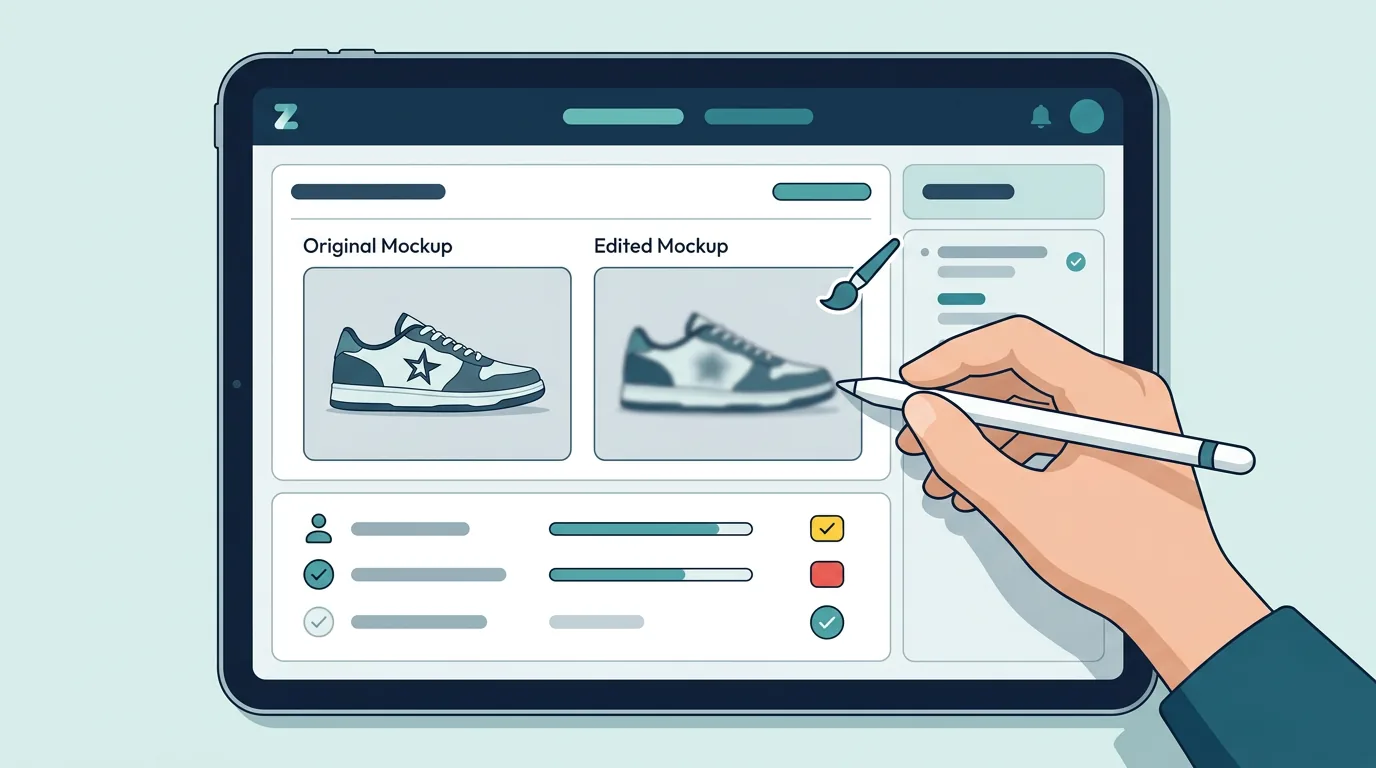
Protecting your shop from an Etsy photo IP strike requires a strict visual audit of your listings. Before uploading any mockup, zoom in on the details. Look at the model's clothing, the coffee cups on the desk, the tech devices, and even the books on the shelf.
If you spot a logo, you do not necessarily have to throw the photo away. Use a photo editing tool to clone stamp, heal, or blur the logo out completely. A generic, unbranded laptop or coffee cup is perfectly safe to use as a staging prop.
Additionally, make sure your text matches your clean photos. A common mistake is removing the logo from the photo, but leaving the brand name in your listing tags and title. Describe the prop generically in your SEO to avoid text-based bot sweeps.
Mockup Safety Checklist
Automating Your Visual IP Defense
Explain why manual review fails and how AI scanning protects sellers.
Manually reviewing the background of every single listing photo is exhausting. If you have hundreds of listings, each with multiple photos, human error is inevitable. A tiny swoosh on a shoe or a faint logo on a prop can easily slip past your review.
Because brands are using AI to scan your images, you need to use AI to defend yourself. Proactive visual scanning allows you to catch these hidden risks before you publish the listing and before the bots find them.
By integrating a visual IP scanner into your workflow, you can confidently use lifestyle mockups and staging props. You will know exactly which photos need a quick edit, keeping your shop safe from automated takedowns and unexpected payment reserves.
Scan Your Mockups with ZenStorefront
Don't guess if your lifestyle photos are safe. ZenStorefront's visual AI scans your listing images for hidden logos, protected characters, and brand marks before bots find them.
Frequently asked questions
Can I use a branded laptop in my Etsy listing photo?
Yes, but you must edit out the manufacturer's logo. Showing a recognizable tech logo in a commercial listing can trigger a trademark strike, even if you are just selling a digital download.
What happens if my Etsy listing photo gets a copyright strike?
Etsy will deactivate the listing and issue a strike against your shop. If you have a valid commercial license for the mockup photo, you can file a DMCA counter-notice to have the listing reinstated.
Does Etsy scan photos for trademark infringement?
Etsy itself acts as a neutral venue, but brand protection agencies use AI software to scan Etsy listing photos for their clients' logos, triggering automated takedowns.
Catch Hidden Logos Before the Bots Do
Stop guessing if your mockups are safe. ZenStorefront's Image Lab scans your listing photos for hidden logos, protected characters, and brand marks, helping you avoid unexpected IP strikes.
Start a free scanSources reviewed
- Etsy Intellectual Property Policy - Official marketplace rules regarding copyright and trademark infringement reporting.
- Trademark Basics - Defines what constitutes a trademark and how commercial association applies to logos.
- insightagent.app
- etsy.com
- dodgeprint.com
- merchize.com
- reddit.com
- printify.com
- harperjames.co.uk
- reddit.com