
Quick answer
- Etsy mockup trademark infringement occurs when a seller's listing image contains protected visual assets, such as background brand logos, designer props, or trademarked manufacturer tags, leading to an IP strike.
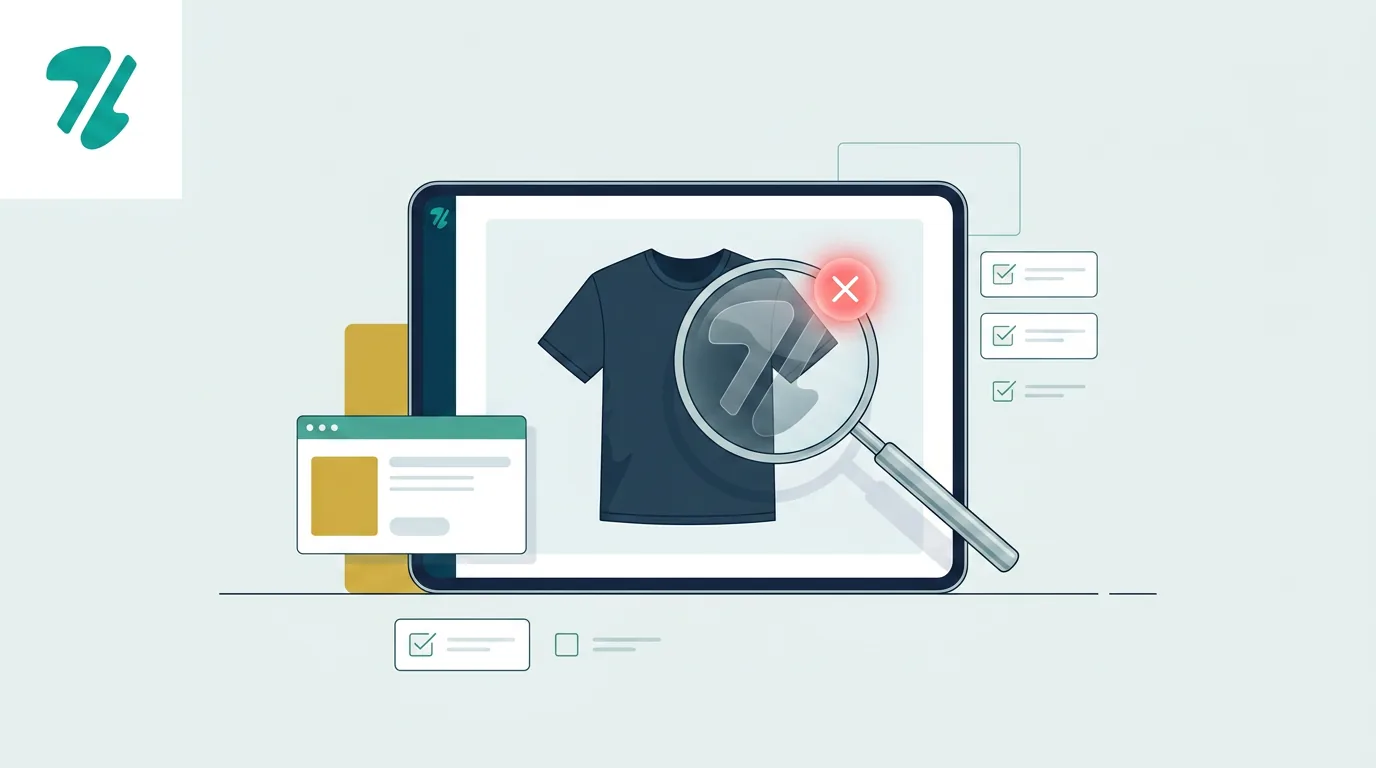
- Even if your print-on-demand design is 100% original, brand protection bots scan the entire mockup image.
- To avoid takedowns, sellers must audit lifestyle photos for hidden footwear logos, luxury accessories, and AI-generated brand hallucinations before publishing.
Why Safe Designs Trigger Etsy Mockup Trademark Infringement
Explain how brand protection bots scan entire images, leading to strikes for background props rather than the core design.
Many print-on-demand (POD) sellers are shocked when their completely original design receives an intellectual property (IP) strike. The culprit is often the mockup image itself. Brand protection agencies use automated software to scan Etsy listings, and these bots analyze every pixel of your main photo, not just the artwork printed on the shirt or mug.
If you purchase a lifestyle mockup from another Etsy seller or download one from a stock photo site, it may contain hidden brand marks. A model wearing a generic t-shirt might also be wearing highly recognizable, trademarked sneakers. When the shoe brand's software scans Etsy, it flags your listing for unauthorized commercial use of their logo, resulting in a takedown and a strike against your shop.
Common Mockup Image Mistakes
High-Risk Props in Lifestyle Mockups
The AI Mockup Hallucination Risk
Discuss how AI image generators accidentally create fake logos that mimic real-world trademarks.
To save money on photography, many sellers have turned to AI image generators to create custom mockups. While AI is a powerful tool for scaling a POD business, it introduces a unique risk: visual hallucinations that accidentally mimic real-world trademarks.
AI models are trained on billions of images, including copyrighted and trademarked material. When you prompt an AI to generate a lifestyle photo of a woman drinking coffee, the AI might generate a cup with a green circular logo that looks suspiciously like a major coffee chain. If you ask for a vintage car in the background, it might generate a grill that violates a specific auto manufacturer's trade dress.
Always inspect AI-generated mockups at full resolution. If an AI hallucinates a logo, character, or protected product shape, you must use a clone stamp or healing brush tool to remove it before uploading the image to Etsy.
Manufacturer Tags and Trade Dress Rules
Explain the rules around showing branded apparel tags and avoiding bait-and-switch policy violations.
Another common mockup trap involves the manufacturer tags visible on the blank apparel itself. Many high-quality mockups clearly show the neck tag of popular blanks like Bella+Canvas, Gildan, or Comfort Colors.
Using a mockup with a visible brand tag is generally acceptable under nominative fair use only if you are actually printing on that exact blank and accurately representing the product to the buyer. However, if you use a premium branded mockup to attract clicks but fulfill the order using a cheaper, generic blank, you are committing a bait-and-switch. This violates Etsy's listing accuracy policies and can invite trademark scrutiny from the apparel brand for misrepresenting their product.
Additionally, never rip photos directly from a manufacturer's official wholesale catalog to use as your mockups. These images are copyrighted by the manufacturer, and using them without explicit permission is a direct path to a copyright strike.
The Pre-Publish Mockup Audit
The Pre-Publish Mockup Image Audit Workflow
Provide a step-by-step process for reviewing and editing mockups before publishing.
Protecting your shop requires a strict pre-publish workflow. Before any new listing goes live, you must conduct a visual IP audit of every image in your carousel to ensure no hidden marks slip through.
Start by zooming in on the background of your lifestyle photos. Scan the model from head to toe, looking for any tiny logos on hats, shoes, or jewelry. Next, check the surrounding environment for branded props, distinct packaging, or protected product shapes.
If you find a potential risk, you don't necessarily have to throw the mockup away. Use basic photo editing software to blur, crop, or clone stamp the offending logo out of existence. A few seconds of editing can save your shop from a devastating, permanent IP strike.
Scan Mockups Before You Publish
ZenStorefront's Image Lab detects hidden logos and protected visual assets in your mockups before they trigger a strike.
Frequently asked questions
Can I get a trademark strike for the background of my Etsy photo?
Yes. Brand protection bots scan the entire image. If your mockup features a recognizable trademarked item, such as a designer handbag or branded sneakers, the rights holder can issue a strike.
Are AI-generated mockups safe to use on Etsy?
AI mockups carry unique risks because they can hallucinate logos or product shapes that mimic real-world trademarks. Always review AI-generated images at full resolution and edit out any accidental brand marks before uploading.
Can I leave the manufacturer tag visible in my POD mockup?
You can generally leave the tag visible if you are printing on that exact blank brand. However, using a branded mockup but fulfilling the order with a different, cheaper blank violates Etsy policies and risks trademark issues.
Scan Your Mockups for Hidden IP
Don't let a background prop ruin your shop. ZenStorefront helps Etsy sellers scan listings and images for hidden brand marks, protected trade dress, and high-risk visual assets before the bots find them. Protect your POD business and publish with confidence.
Start a free scan