
Quick answer
- An Etsy seasonal IP risk calendar is a proactive planning strategy used by sellers to audit their shops for trademark and copyright risks before the Q4 holiday rush.
- Major brands and IP agencies increase automated bot sweeps in late summer and early fall to remove infringing listings before Black Friday and Cyber Monday.
- Sellers should audit their existing listings in August, clear new designs in September, and lock down their SEO in October to avoid triggering new scans.
- Common seasonal IP mistakes include using protected pop culture references for Halloween costumes or assuming modern Christmas movies are public domain.
Why Brands Increase IP Sweeps Before Q4
Major brands ramp up their intellectual property enforcement ahead of the holidays to protect their own seasonal revenue.
The fourth quarter is the most critical time for retail, and Etsy is no exception. Marketplace data consistently shows that the highest gross merchandise sales occur during the holiday shopping season. Because consumer spending is at its peak, major brands and entertainment studios aggressively protect their intellectual property to ensure counterfeiters and unauthorized sellers do not siphon off their seasonal revenue.
To enforce their rights at scale, brands hire intellectual property protection agencies that use automated bots to scrape listings for trademarked keywords and copyrighted imagery. These bots are often deployed in late summer and early fall to clean up marketplaces well before Black Friday and Cyber Monday.
Receiving a takedown during this period is uniquely devastating. Platform support queues are typically backlogged during Q4, meaning any appeals or shop suspensions take much longer to resolve. A single trademark strike in November can cost you weeks of peak visibility, effectively ruining your holiday sales strategy.
The Etsy Seasonal IP Risk Calendar: Month-by-Month
A structured timeline for auditing and launching your holiday products safely.
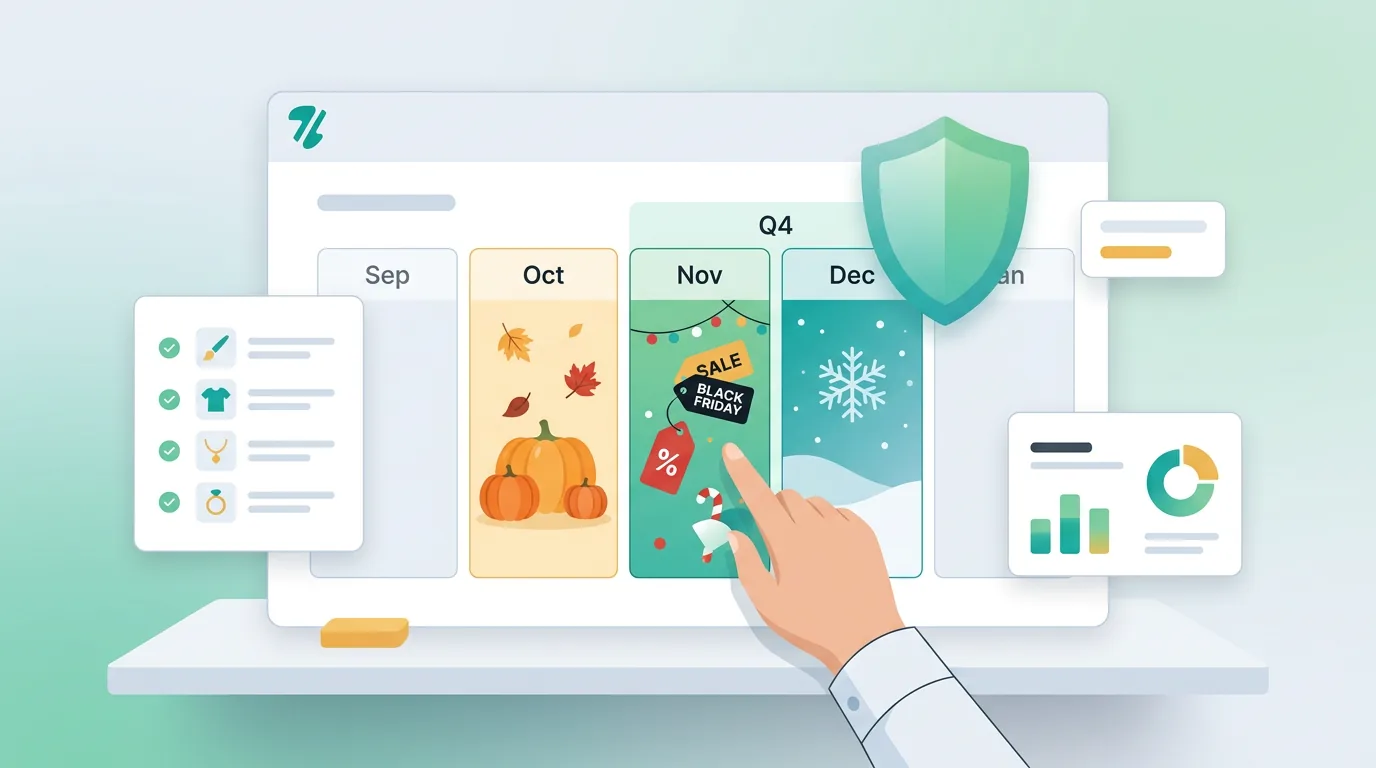
A successful Etsy seasonal IP risk calendar requires shifting your compliance checks to the late summer. By the time shoppers are actively buying Halloween or Christmas items, your listings should already be locked in and fully vetted for trademark and copyright risks.
August and September are your audit and pre-launch phases. This is the time to review your existing catalog, double-check the commercial use licenses for your seasonal graphics, and remove any genericized trademarks from your tags. If you are launching new holiday products, run your titles and descriptions through a trademark database or your store settings before hitting publish.
Once October arrives, your shop should enter a lock-down phase. Avoid making major edits to the tags or titles of your best-performing seasonal listings, as significant changes can trigger re-indexing and potentially expose your listing to a fresh bot sweep. During November and December, your focus should be entirely on fulfillment, customer service, and monitoring your shop for any false positive strikes.
Q4 IP Risk Management Timeline
Follow this schedule to prepare your shop for the holiday rush.
- August: The Audit Phase Review existing listings, check commercial licenses, and remove risky tags before uploading new inventory.
- September: The Pre-Launch Phase Clear all new seasonal designs and titles through trademark databases before publishing.
- October: The Lock-Down Phase Finalize your SEO. Avoid tweaking tags on bestsellers to prevent triggering new bot scans.
- November & December: The Monitoring Phase Focus on fulfillment and handle any competitor trolls or false positives immediately.
High-Risk Holiday Trademarks and Copyrights to Avoid
Seasonal trends often involve protected pop culture references that trigger automated strikes.
Holiday product launches are heavily influenced by pop culture, making them a minefield for IP infringement. Sellers often mistakenly believe that because a holiday is a public event, the movies, songs, and characters associated with it are public domain. In reality, seasonal entertainment properties are some of the most fiercely protected assets on the market.
For Halloween, avoid using the names of horror movie characters, trending television shows, or specific costume trade dress. For Christmas, remember that popular modern holiday movies, specific animated characters, and even certain lyrics to 20th-century Christmas songs are protected by active copyrights and trademarks. Using these terms in your tags to capture search traffic is a direct violation of platform policies.
Additionally, be wary of aesthetic trends and modifier tags. Modifying a protected character's name or adding "dupe" to your title does not shield you from a trademark strike. If a bot can connect your listing to the brand's protected keyword, you will likely receive a takedown notice.
Common Seasonal IP Mistakes
Avoid these frequent errors when planning your holiday inventory.
Adding 'inspired by' before a trademarked holiday movie title does not prevent a strike.
Many mid-century Christmas songs are still under active copyright protection.
Using the names of trending TV characters to sell Halloween apparel is trademark infringement.
How to Audit Your Shop Before the Holiday Rush
Actionable steps to clean up your listings and verify your commercial rights.
Before the Q4 rush begins, conduct a comprehensive audit of your entire shop. Start by exporting your listing data and reviewing your titles, tags, and descriptions. Look for any brand names, protected phrases, or pop culture references that may have slipped into your SEO strategy. Replace these risky terms with safe, descriptive keywords that accurately describe the physical item.
Next, verify the commercial use licenses for all the design assets you plan to use. If you purchased graphics, fonts, or templates from third-party marketplaces, ensure you have the correct license tier for the volume of sales you expect during the holidays. Save your receipts and license agreements in a dedicated folder so you can produce them quickly if your rights are ever questioned.
Finally, review your product mockups. Ensure that your staging photos do not accidentally feature trademarked props, branded packaging, or protected logos in the background. Automated image scanning tools can sometimes flag these background elements, leading to unnecessary listing deactivations. You can manage these checks from your overview dashboard.
Pre-Holiday Shop Audit Checklist
Complete these checks before October to ensure your shop is ready for Q4.
What to Do If You Receive a Strike During Peak Season
How to handle a takedown notice without jeopardizing your entire shop.
Even with a meticulous Etsy seasonal IP risk calendar, you might still receive a takedown notice due to a false positive or a competitor troll. If a listing is deactivated during peak season, your first step is to stay calm and carefully read the email from the platform. Determine whether the strike is a copyright issue (DMCA) or a trademark infringement, as the resolution paths are entirely different.
If you genuinely infringed on a brand's IP, do not attempt to relist the item or create a slightly modified version. Repeat offenses can lead to a permanent shop suspension, which would instantly end your holiday sales. Take the loss, delete the associated files, and focus your energy on your compliant, evergreen products.
If you believe the strike is a mistake or a fraudulent takedown from a competitor, you may need to consult a qualified attorney. While you can file a DMCA counter-notice for copyright claims, trademark disputes often require direct negotiation with the reporting party. Always seek professional legal advice before submitting formal legal documents.
Scan Your Shop Before the Sweeps Begin
Don't wait for a Q4 takedown. Use ZenStorefront to automatically detect trademarked keywords and risky images in your listings before the holiday rush.
Frequently asked questions
When do brands usually sweep Etsy for trademark infringement?
Brands and intellectual property agencies typically increase their automated sweeps in late summer and early fall to remove infringing listings ahead of the Q4 holiday shopping season.
Can I use 'inspired by' for holiday movie merchandise on Etsy?
No. Adding 'inspired by' to a trademarked holiday movie title does not protect you from a trademark strike. If a bot detects the protected keyword, your listing can still be deactivated.
What should I do if I get an IP strike during Q4 on Etsy?
Read the notice carefully to determine if it is a copyright or trademark issue. If the strike is valid, do not attempt to relist the item. If you believe it is a mistake or a competitor troll, consult a qualified attorney before filing any legal counter-notices.
Protect Your Holiday Sales with ZenStorefront
Worried about hidden trademark risks in your seasonal listings? ZenStorefront connects directly to your shop to scan your titles, tags, and images for potential IP violations. Catch the risks before the bots do, and launch your holiday products with confidence.
Start a free scan