
Quick answer
- An Etsy trademark phrase search is the process of verifying if a quote or saying is legally protected for your product category.
- Sellers should use the new cloud-based USPTO Trademark Search tool, which replaced the retired TESS system.
- Always filter search results by the relevant Goods and Services class, such as Class 25 for apparel or Class 21 for mugs.
- Only 'Live' trademarks pose an active risk; 'Dead' trademarks have been abandoned or expired.
- Trademark law covers 'likelihood of confusion,' meaning slight misspellings or variations of a protected phrase can still result in an Etsy strike.
Why Short Phrases Are the Biggest Risk for Etsy POD
Short sayings and slang are frequently trademarked for commercial goods, creating hidden traps for sellers.
While you cannot copyright a short phrase or common idiom, you absolutely can trademark it if you use it to sell commercial goods. This is where many Etsy sellers get caught off guard.
Print-on-demand sellers often assume that because a phrase like 'Boy Mom' or 'In My Bride Era' is trending on social media, it is public domain. In reality, opportunistic brands and competitors frequently register trending slang for specific product categories, particularly apparel and drinkware.
If you use a registered phrase on your merchandise, in your listing title, or even buried in your tags, the trademark owner can file a takedown notice. Etsy processes these notices automatically, resulting in a strike against your shop.
Step 1: Accessing the New USPTO Trademark Search Tool
Navigate the updated USPTO cloud-based search system that replaced TESS.
In late 2023, the USPTO retired the Trademark Electronic Search System (TESS) and replaced it with a modernized, cloud-based platform simply called the USPTO Trademark Search.
To begin your Etsy trademark phrase search, navigate to the official USPTO website and access the new search interface. You do not need an account to perform basic searches.
For most Etsy sellers checking a quote, the Basic Word Mark Search is the best starting point. This allows you to type in the exact phrase you want to use on your merchandise to see if any active registrations exist.
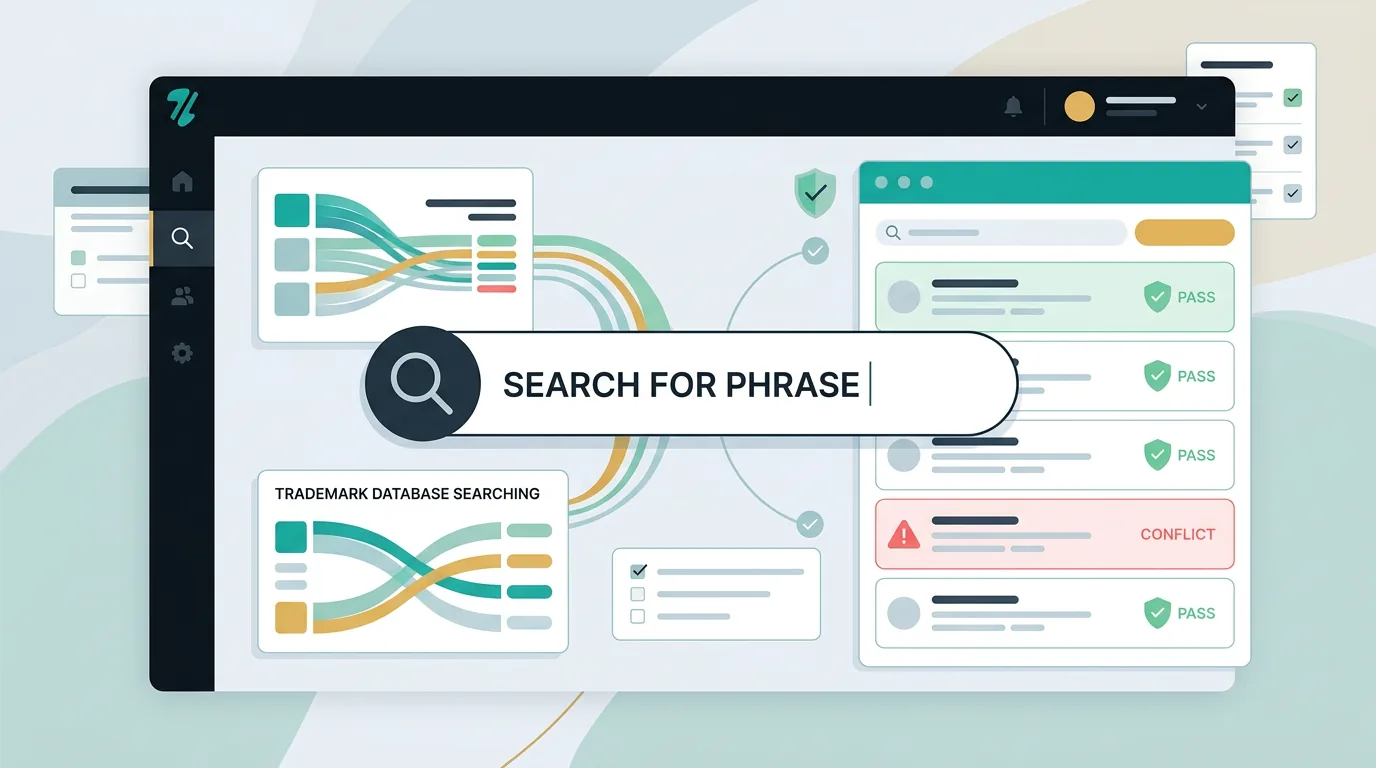
The USPTO Phrase Search Workflow
Follow these steps to check your phrase in the new USPTO database.
- Access the Database Navigate to the official USPTO Trademark Search portal.
- Select Search Type Choose the basic search option to look up exact text.
- Enter the Phrase Type your exact phrase in quotes to find direct matches.
- Review Results Scan the results for Live marks in your product class.
Step 2: Filtering by Relevant Goods and Services (Classes)
Understand how trademark classes determine if a phrase is safe for your specific product.
Finding a trademark for your phrase does not automatically mean you cannot use it. Trademarks are restricted to specific categories called Classes of goods and services.
For example, if a software company trademarks a phrase under Class 9 for computers, that registration likely does not prevent you from printing the same phrase on a cotton t-shirt. However, you should always consult a qualified attorney for legal decisions.
When reviewing the search results, look closely at the Goods and Services column. Etsy sellers should pay special attention to Class 25 for clothing, Class 21 for housewares and mugs, and Class 16 for paper goods and stickers. If the trademark does not cover your product category, the risk profile changes significantly.
Common Phrase Search Mistakes
Avoid these frequent errors when interpreting USPTO search results.
Assuming a phrase is banned everywhere when it is only trademarked for industrial chemicals or software.
Searching for a specific phrase but ignoring plurals or slight spelling variations that still cause confusion.
Worrying about a trademark application that was abandoned or cancelled years ago.
Step 3: Analyzing Live vs. Dead Status
Learn to differentiate between active trademarks and abandoned applications.
The USPTO database contains millions of records, but you only need to be concerned with Live trademarks. The status of a mark is clearly labeled in the search results.
A Live status means the trademark is either actively registered or is a pending application currently under review. Both scenarios present a risk if you use the phrase on competing goods.
A Dead status means the trademark application was abandoned, cancelled, or expired. While a dead mark is generally safer to use, it is always best practice to double-check that a new application hasn't been filed recently.
Step 4: Checking for Exact Matches and Variations
Avoid the trap of thinking slight misspellings protect you from infringement.
One of the most dangerous myths in the Etsy community is that altering one letter or adding a word protects you from trademark infringement. Trademark law is based on the likelihood of confusion.
If a competitor owns the trademark for a specific phrase, using slight variations, plurals, or intentional misspellings can still trigger a takedown. The USPTO search tool allows you to use wildcards to find these variations.
When conducting your search, do not just search your exact quote. Break the phrase down and search for its core components to ensure you aren't infringing on a broader registration.
What to Do If Your Phrase Is Trademarked
Decide how to pivot your design strategy when you discover a live trademark.
If your search reveals a Live trademark for your exact phrase in your product class, you have a business decision to make before publishing the listing.
The safest route is to abandon the design entirely and pivot to a different, unprotected concept. Publishing known trademarked material is a fast track to shop suspension.
Alternatively, you might choose to change the wording of your design significantly so that it no longer conflicts with the registered mark. Always prioritize the long-term health of your shop over a single trending design.
Found a Live Trademark? Next Steps
How to handle a conflicting phrase registration safely.
If it is a direct match in your class, do not publish it. Protect your shop from a guaranteed strike.
If it is trademarked for shirts (25) but not mugs (21), you might pivot your product type.
Alter the wording significantly so there is no likelihood of confusion with the registered mark.
Automating Your Phrase Clearance Workflow
Scale your shop safely by automating the trademark search process.
Manually checking every single phrase, tag, and title for hundreds of listings through the USPTO database is exhausting and prone to human error.
As your shop grows, keeping up with newly registered trademarks becomes a full-time job. A phrase that was safe to use in January might become registered by October, leaving your older listings vulnerable to sudden sweeps.
Using automated tools to scan your shop can save hours of manual research. By integrating software that flags high-risk phrases in your metadata, you can proactively secure your storefront before a brand owner files a complaint.
Stop Searching Manually
ZenStorefront automatically scans your Etsy titles, tags, and descriptions for trademarked phrases before you get a strike.
Frequently asked questions
Can I use a trademarked phrase if I change the font or design?
No. A word mark protects the phrase itself, regardless of the font, color, or design style used. Changing the typography does not protect you from trademark infringement.
What is the difference between a Live and Dead trademark?
A Live trademark is actively registered or pending and is legally protected. A Dead trademark has been abandoned, cancelled, or expired, meaning it is generally no longer protected by the USPTO.
Does a trademark in one country apply to Etsy globally?
Trademarks are territorial. A USPTO registration protects the phrase in the United States. However, since Etsy is a US-based company with a massive US customer base, a US trademark strike can still result in your listing being taken down globally.
Can I trademark a phrase I made up for my Etsy shop?
Yes, if you use the phrase as a brand identifier for commercial goods, you can apply for a trademark through the USPTO. However, the process can take several months and requires legal filing fees.
Automate Your Phrase Checks
Tired of manually searching the USPTO database for every new listing? Connect your shop to ZenStorefront and automatically scan your titles, tags, and descriptions for high-risk phrases.
Start a free scan